
Microsoft Entra ID OpenID Connect / OAuth2 Clients and Users Management
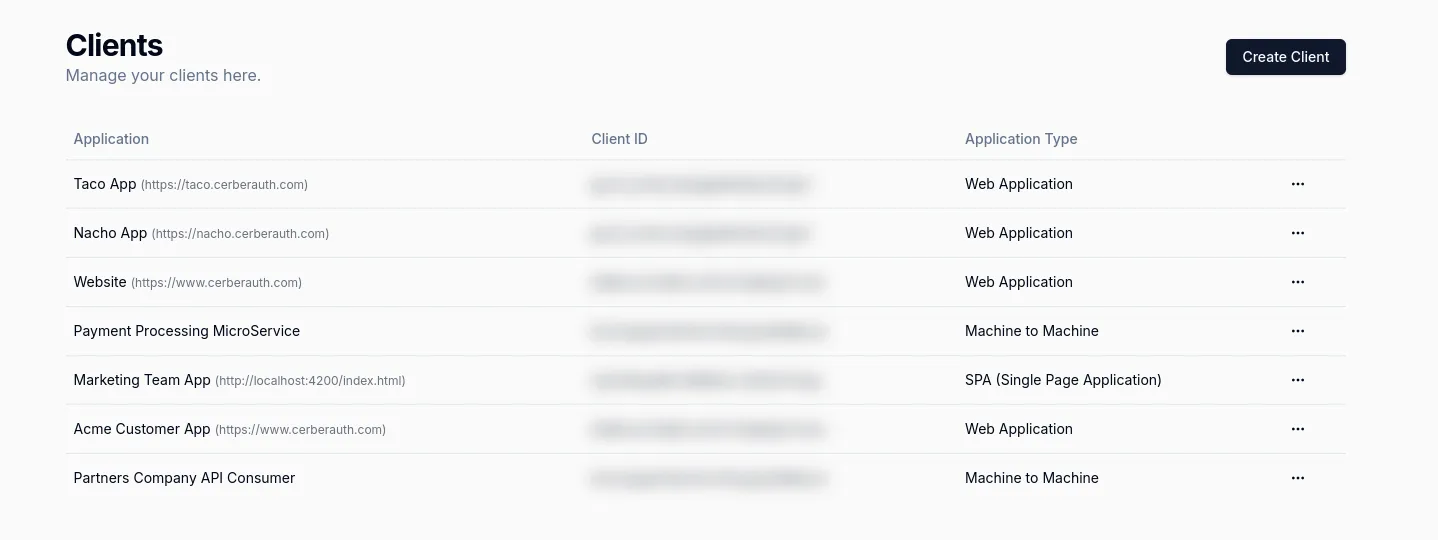
Use Microsoft Entra ID with CerberAuth products across user operations and client governance: AUMS helps teams manage users and organizations, and Taco governs OAuth and OpenID Connect clients.
CerberAuth’s Microsoft Entra ID Integration Features
- AUMS User Management: Give support, ops, and product teams a controlled interface to manage Entra ID users, organizations, sessions, roles, and account support workflows.
- Taco Application Management: Manage Entra ID applications, APIs, OAuth clients, OpenID Connect settings, and approval workflows from one governance dashboard.
- Team Management: Control who can access Entra ID user operations, applications, and APIs across AUMS and Taco.
Benefits of Using CerberAuth with Microsoft Entra ID
- Save Time: AUMS reduces support tickets for user operations and Taco centralizes Entra ID application governance.
- Operational User Management: Let non-developer teams handle account lookup, password support, suspension, organization membership, and audit-ready user actions through AUMS.
- Simplified Client Management: Use Taco to organize Entra ID OAuth and OpenID Connect clients, validate configuration, and manage API access policies.
- Enhanced Security and Compliance: Keep user operations, client changes, and API access decisions governed by clear permissions and audit trails.
Key Features of CerberAuth’s Microsoft Entra ID Integration
- AUMS for Entra ID Users: View and update user profiles, organizations, sessions, permissions, and audit logs without sending every request to engineering.
- Taco for Entra ID Clients: Manage client creation, approval workflows, secrets, scopes, audiences, and API access from a single operational dashboard.
- Cross-Product Governance: Align support actions and OAuth client decisions so Entra ID management is visible, controlled, and audit-ready.