
Keycloak OpenID Connect / OAuth2 Clients and Users Management
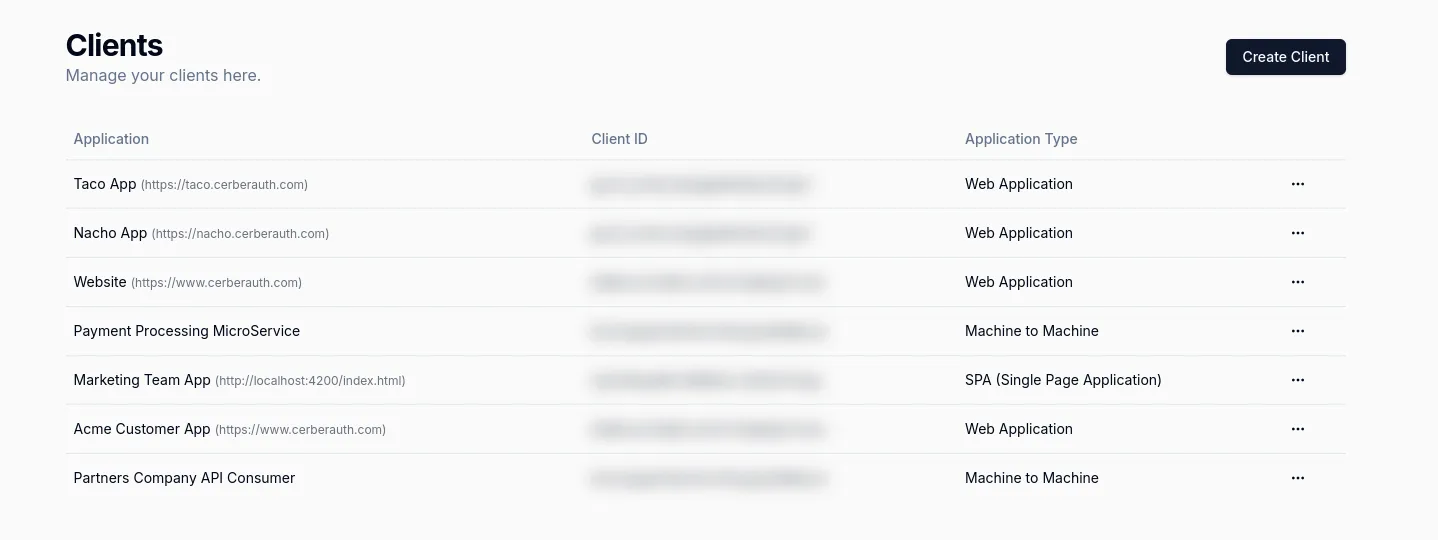
Use Keycloak with CerberAuth products across user operations and client governance: AUMS helps teams manage users and organizations, and Taco governs OAuth and OpenID Connect clients.
Get Started with CerberAuthCerberAuth’s Keycloak Integration Features
- AUMS User Management: Give support, ops, and product teams a controlled interface to manage Keycloak users, organizations, sessions, roles, and account support workflows.
- Taco Client Management: Manage Keycloak OAuth clients, OpenID Connect settings, APIs, and approval workflows from one governance dashboard.
- Team Management: Control who can access Keycloak user operations, applications, and APIs across AUMS and Taco.
Benefits of Using CerberAuth with Keycloak
- Save Time: AUMS reduces support tickets for user operations and Taco centralizes Keycloak client governance.
- Operational User Management: Let non-developer teams handle account lookup, password support, suspension, organization membership, and audit-ready user actions through AUMS.
- Simplified Client Management: Use Taco to organize Keycloak OAuth and OpenID Connect clients, validate configuration, and manage API access policies.
- Enhanced Security and Compliance: Keep user operations, client changes, and API access decisions governed by clear permissions and audit trails.
Key Features of CerberAuth’s Keycloak Integration
- AUMS for Keycloak Users: View and update user profiles, organizations, sessions, permissions, and audit logs without sending every request to engineering.
- Taco for Keycloak Clients: Manage client creation, approval workflows, secrets, scopes, audiences, and API access from a single operational dashboard.
- Cross-Product Governance: Align support actions and OAuth client decisions so Keycloak management is visible, controlled, and audit-ready.